
Live Collaboration
Live Collaboration
Connect teams through real-time canvas sessions in Stubber, enabling visual workflow design and collaboration on process maps to streamline operations and decision-making
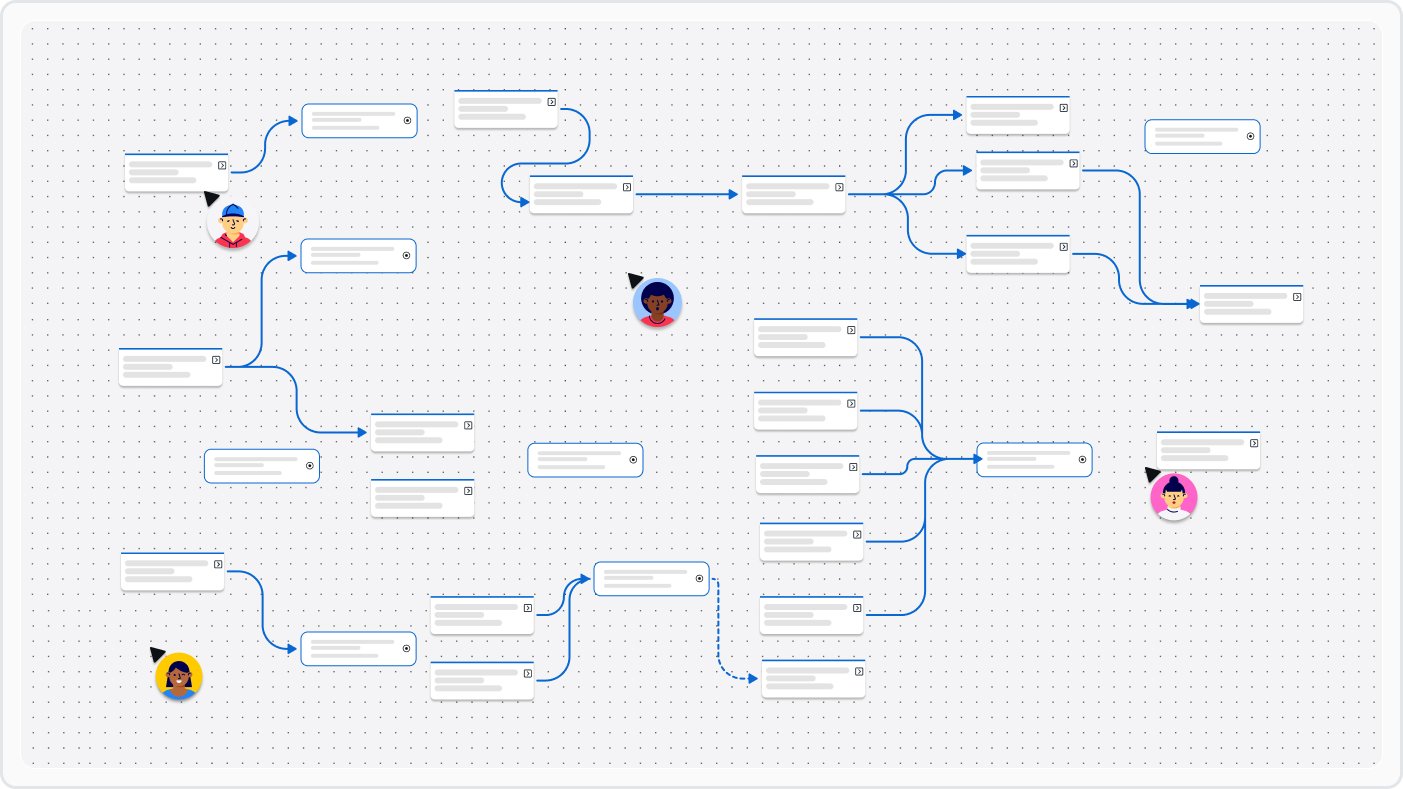
Stubber brings teams together through real-time collaboration on an interactive canvas — the visual workspace where you design and optimize your business processes. Whether your team is mapping customer
journeys, designing automated workflows, or planning integration architectures, Stubber's canvas ensures everyone
can contribute to and visualize the latest process models, eliminating confusion and ensuring alignment across teams.
Benefits of Live Collaboration
Unified Process Vision — ensure everyone shares a common understanding of how processes work across your organization
Accelerated Design Cycles — reduce the time needed to design and iterate on workflows by enabling simultaneous collaboration
Reduced Implementation Errors — visualize and validate processes before implementation to catch potential issues early
Improved Cross-Team Alignment — create clarity between technical and business teams by visualizing complex workflows
Enhanced Process Documentation — automatically maintain up-to-date visual documentation of your processes as they evolve
Real World Applications
Business Analysts
Work directly with stakeholders on the canvas to map out current processes and design improvements, identifying bottlenecks and opportunities for automation
IT and Development Teams
Collaborate with business units to translate business requirements into technical specifications using a common visual language
Operations Teams
Design and optimize workflows across departments, visualizing complex hand-offs between teams and designing streamlined processes
Key Canvas Features
Multi-User Editing
Multiple team members can simultaneously edit the same canvas, with real-time updates showing who is making changes and where
Live Process Mapping
See process maps evolve in real-time as team members add steps, connections, and decision points to create comprehensive workflow diagrams
Contextual Comments
Add comments directly to specific elements on the canvas to provide feedback or suggestions on particular process steps
Role-Based Visibility
Control who can view, edit, or comment on a canvas, allowing for appropriate access levels across different teams
Process Templates
Create and share reusable canvas templates for common processes, accelerating workflow design and ensuring consistency
Version Control
Track canvas changes over time with complete version history, allowing you to view previous states or revert to earlier designs